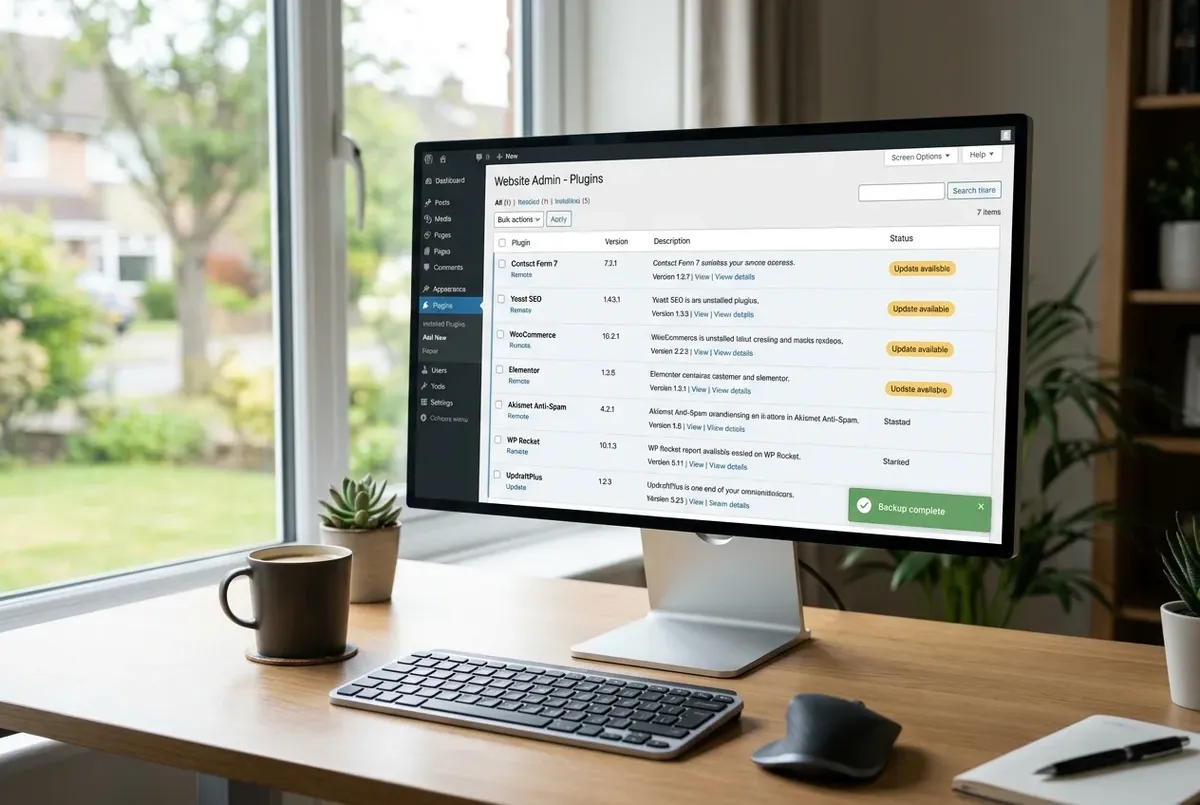
Back Up WordPress Before Updating Plugins — the 60-Second Version
A plugin update can white-screen your site or break a layout. Here's the fastest responsible way to take a safety net first — about 60 seconds.
Independent comparisons and recovery workflows for plugins, backups and migrations.
A plugin update can white-screen your site or break a layout. Here's the fastest responsible way to take a safety net first — about 60 seconds.
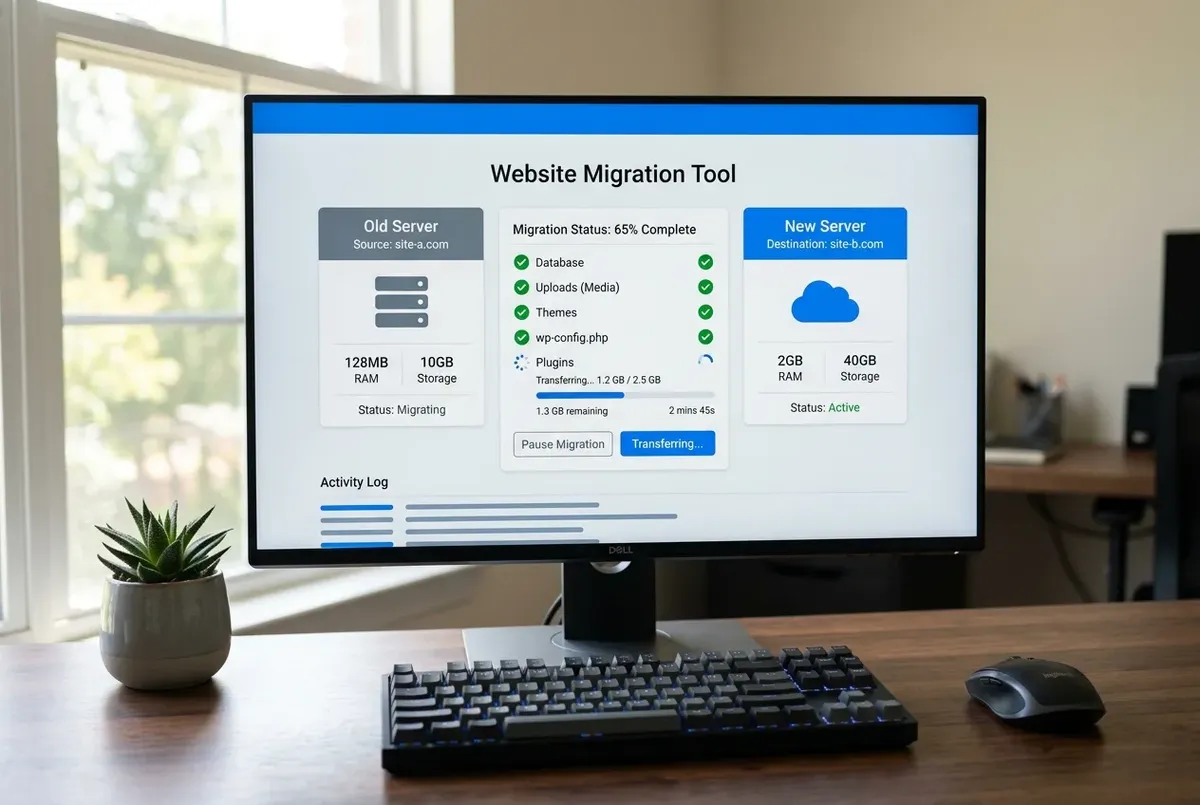
A complete WordPress migration is more than the database and your uploads. The full manifest, the gaps in common tools, and what no backup captures.
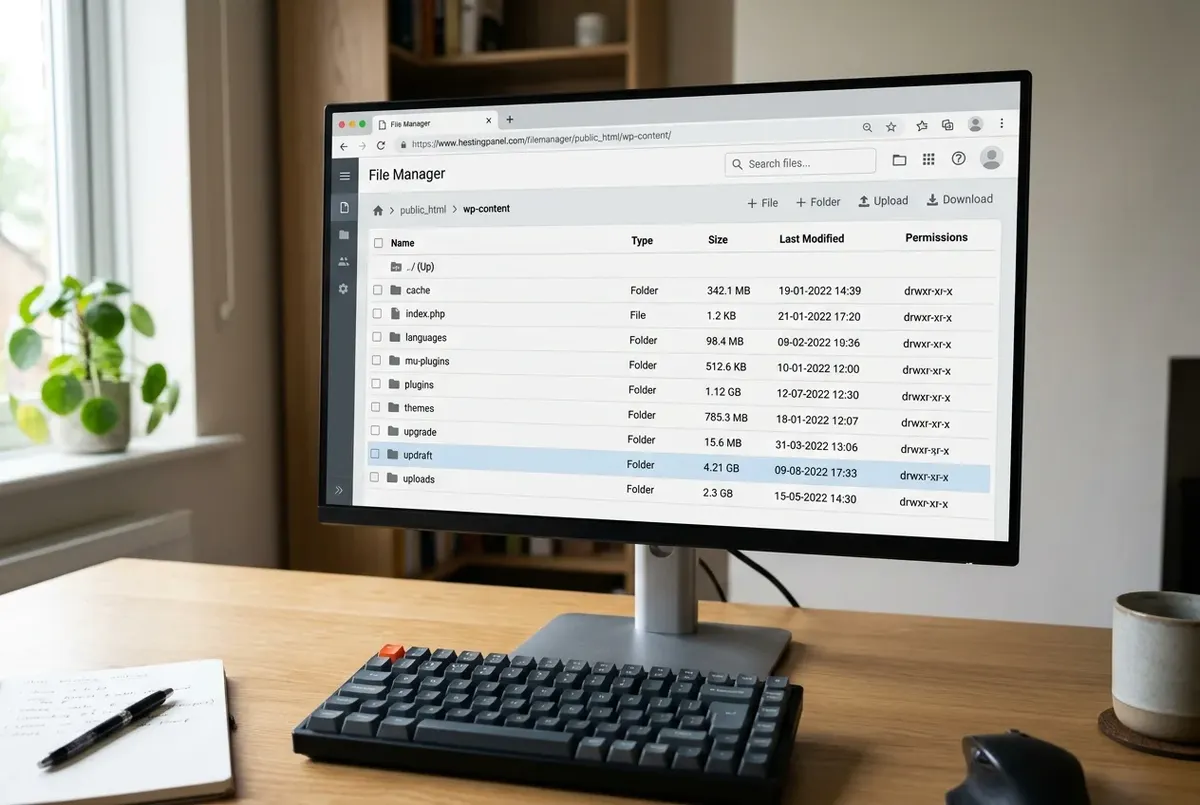
A big WordPress backup is usually old archives, caches, and logs swept into the file — not your content. How to find the bloat and cut it safely.
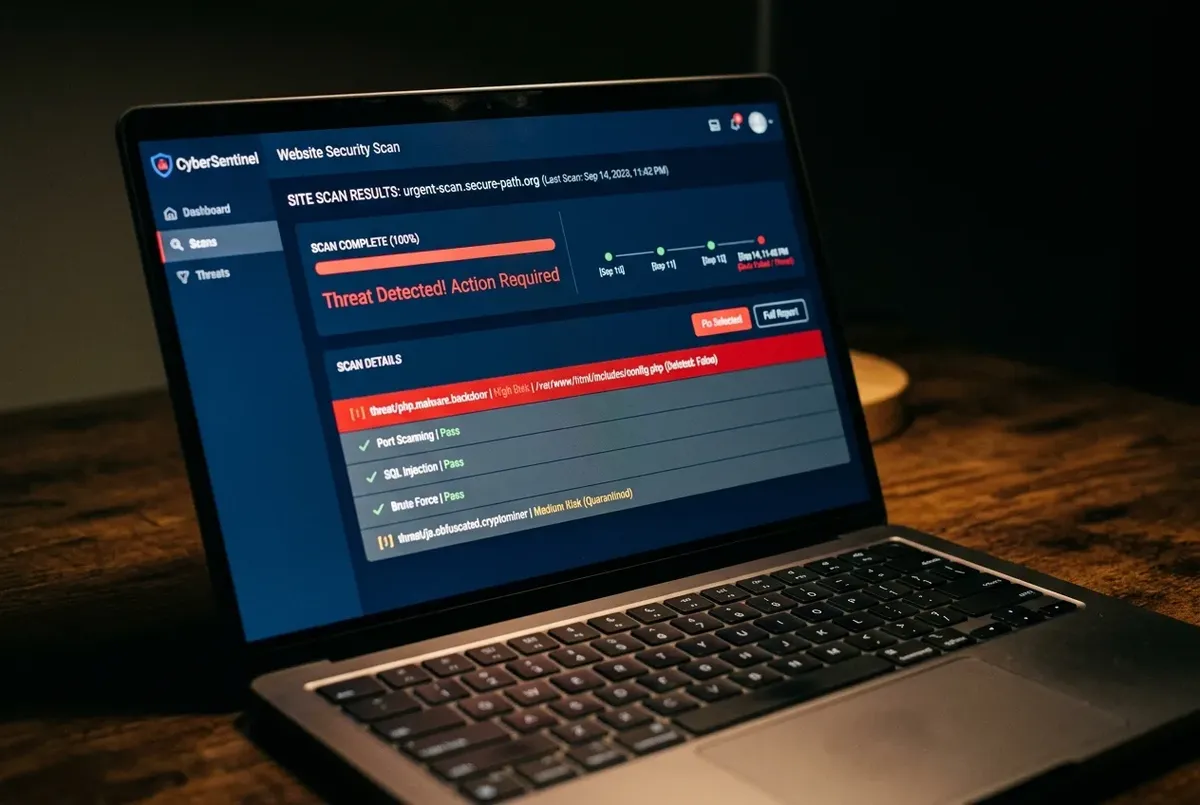
Restoring a backup after a hack is safe — but only if it genuinely predates the compromise. Here's how to check, and what to do either way.
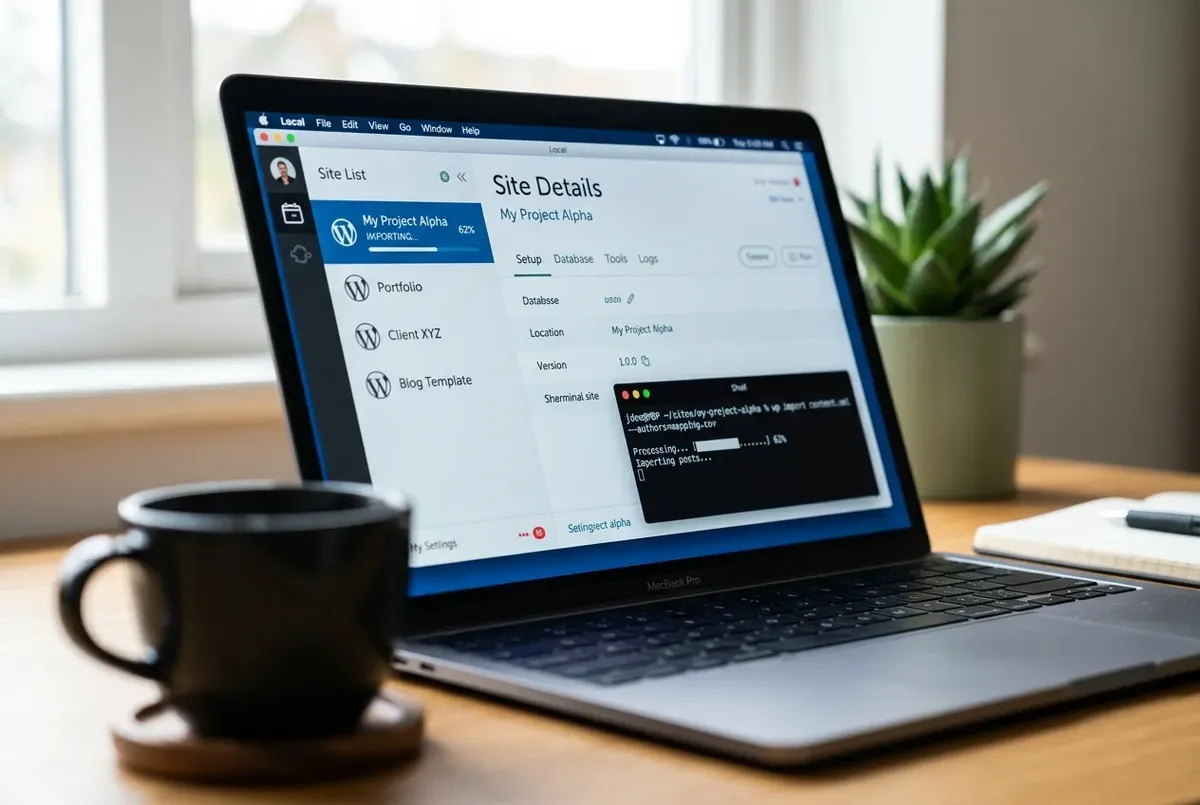
Verify a WordPress backup actually works before you need it under pressure — free, on your own computer, using Local (formerly Local by Flywheel).
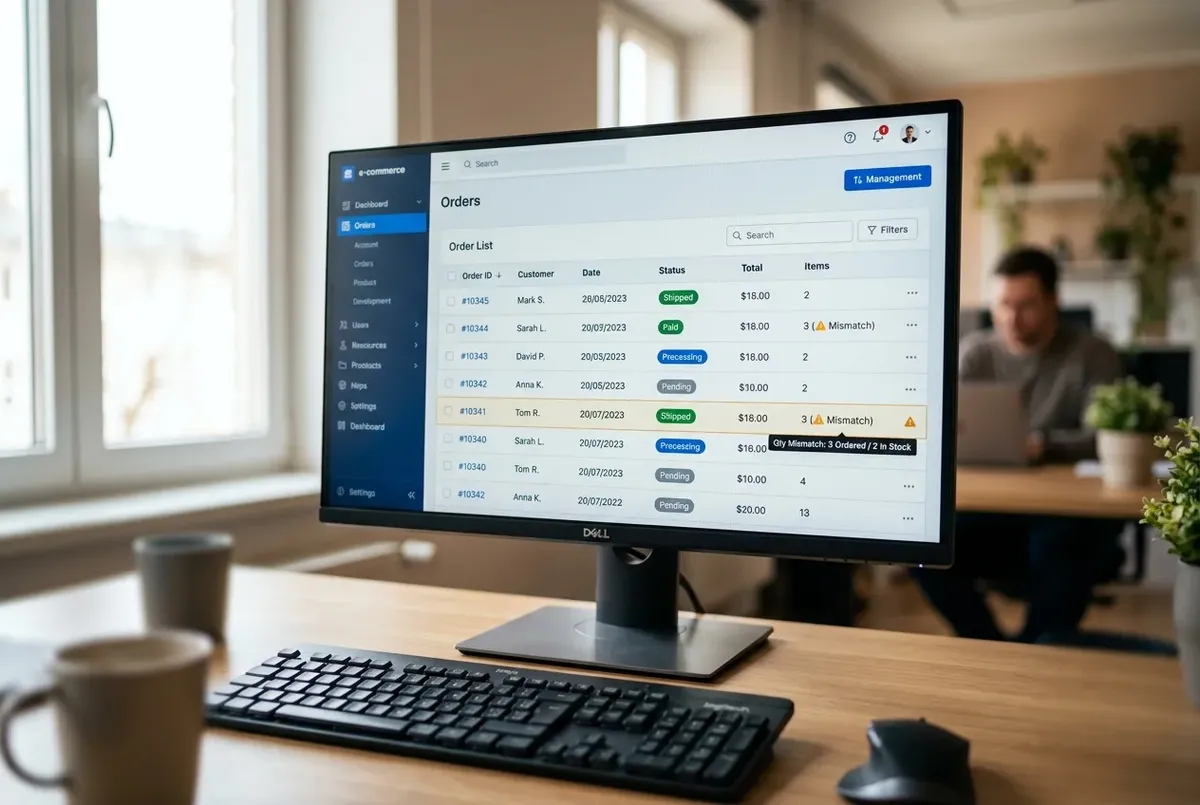
Order count badge still shows a number, but the Orders list is empty after a migration? It's almost never data loss — here's the real cause and the fix.

Widgets or a sidebar went blank after a domain change, but the rest of the site is fine? Here's why serialized data breaks that way, and the safe fix.

Locked out of wp-admin by a broken plugin, with no FTP access either? Here's how to deactivate it safely from phpMyAdmin, no file access needed.

Restoring a WordPress backup and hitting "packet bigger than max_allowed_packet"? Here's the real MySQL cause, not phpMyAdmin's upload limit, and the fix.
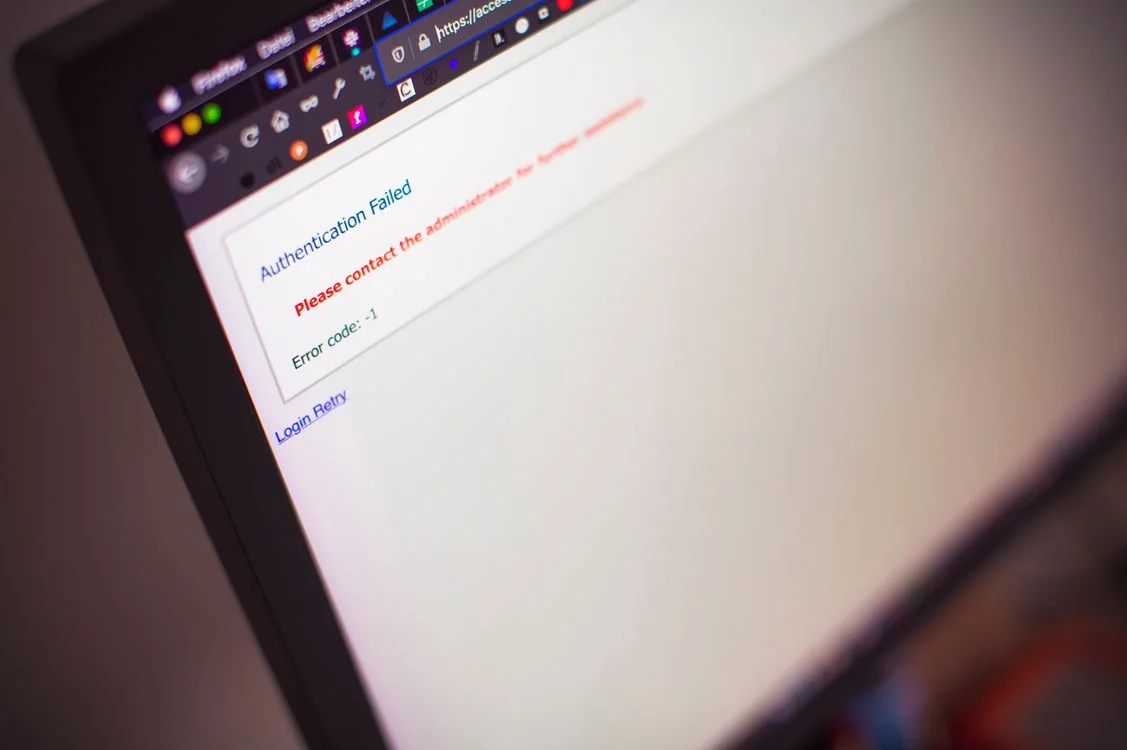
UpdraftPlus showing a specific backup error? Here's what each real error message means and the fix — disk space, permissions, security blocks, PHP limits.

How the main WordPress backup and migration plugins differ, what to check before trusting one on your host, and where to go when each one breaks.
Old domain still showing up after an All-in-One WP Migration import? Here's why Find & Replace misses some URLs, and how to safely clean up the rest with WP-CLI.
This is the largest section of the site. It covers choosing a backup plugin, backing up before plugin updates, what a migration backup needs to include, and why backup files get so large; failed or stuck backups and restores in UpdraftPlus, WPvivid and Duplicator; problems after a migration, such as URLs that weren't replaced, widgets lost to serialized data and WooCommerce orders that vanish from the list; and recovery without wp-admin, including deactivating a plugin through phpMyAdmin and deciding whether to restore a hacked site yourself.
The common thread is recovery you can trust: every guide checks that the backup exists and restores before relying on it, and treats restoring to a local copy first as the safest test.
Start with the best WordPress backup plugins guide if you're choosing a tool, or with the error message you're seeing if something already failed.