
Can WordPress Plugins Really Slow Down Your Site? How to Find the One That Is
Yes, but by what they run on each request, not by count. How to find the slow plugin with Query Monitor and WP-CLI, without breaking your live site.
Improve real performance methodically and avoid optimizations that create new problems.
Yes, but by what they run on each request, not by count. How to find the slow plugin with Query Monitor and WP-CLI, without breaking your live site.

Cart empty after Add to cart, wrong mini cart, or a checkout that spins? Find which cache layer served the page from its headers, then fix only that layer.
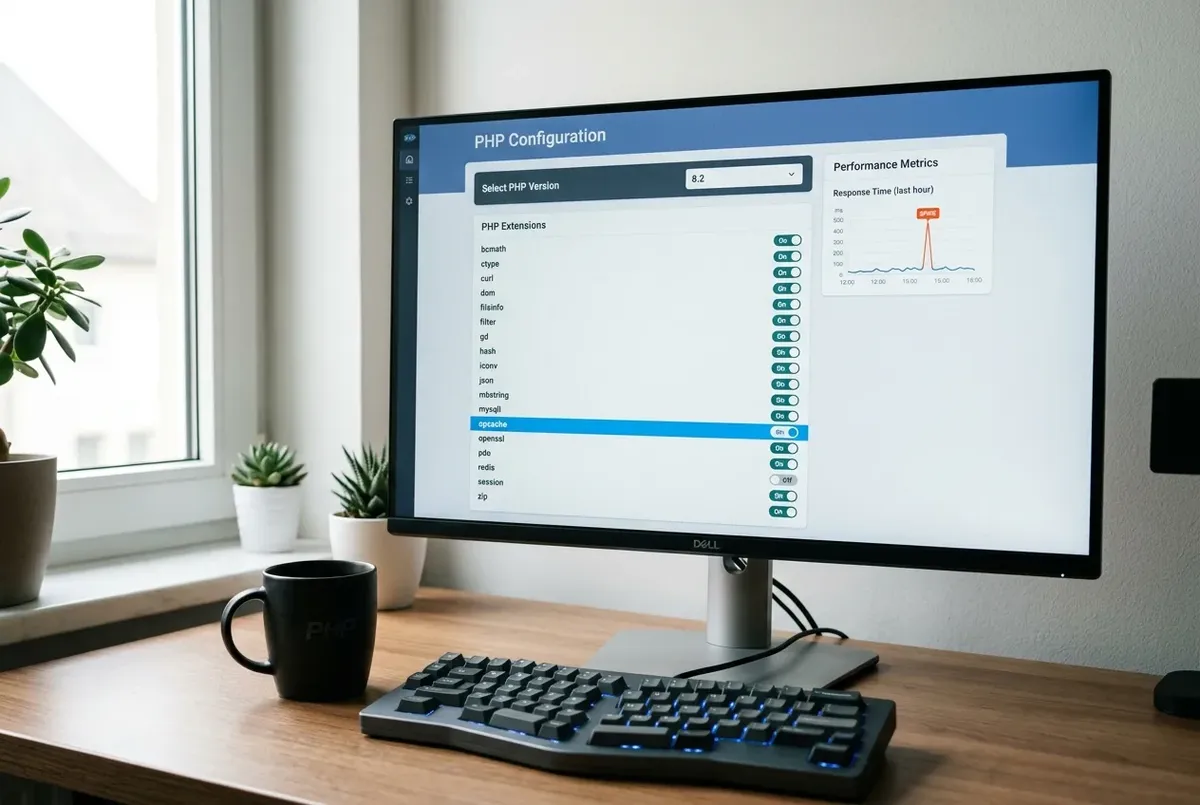
A PHP version switch doesn't slow WordPress by itself — but it can land you on OPcache off, a missing cache extension, or a deprecation-notice flood.
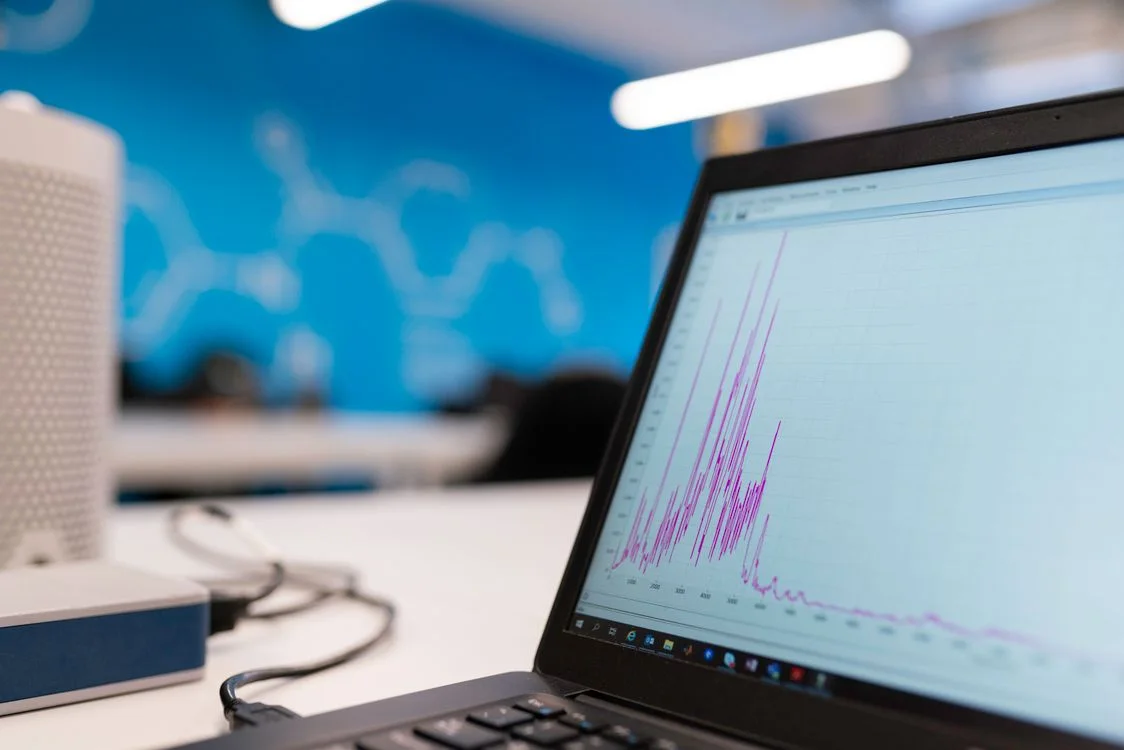
What actually moves WordPress speed and Core Web Vitals: caching layers, image formats, server tuning, and where each gives the most gain for the least risk.

AVIF uploads to WordPress showing no generated thumbnails? It's almost always your server's PHP image library (GD vs Imagick) lacking AVIF support.

High TTFB on aaPanel WordPress hosting despite LiteSpeed Cache? It's usually PHP-FPM pool limits or two caching layers fighting each other. Here's the fix.
Live chat widgets like Tawk.to or Crisp can wreck your INP score. Here's how to delay the widget's script until real user interaction, without losing chat.
The guides here cover slow time to first byte on aaPanel even with LiteSpeed Cache, a WordPress admin that got slower after a PHP upgrade, poor INP scores caused by live chat widgets, and AVIF uploads that produce no thumbnails because of the GD vs. Imagick image library.
Speed work goes wrong when changes are stacked without measuring. Each guide explains what to measure first, which layer is responsible (server, PHP, cache or front-end scripts) and how to confirm the improvement afterwards.
For the overall picture of what moves Core Web Vitals, start with the complete WordPress speed optimization guide.