WordPress Errors
Fix 404s, blank screens, login loops, database errors and failed updates.
6 guidesStep-by-step fixes for WordPress, Elementor, Cloudflare, Nginx and hosting, checked against official documentation and ordered from the safest step.
Popular:404 errorredirect loopElementor loading
Every guide follows a repeatable path: identify the cause, protect your data, apply the fix and verify the result.
Fix 404s, blank screens, login loops, database errors and failed updates.
6 guidesRepair editor loading problems, broken layouts and plugin conflicts.
6 guidesSolve redirect loops, certificate warnings, DNS issues and edge errors.
5 guidesPractical tuning for Core Web Vitals, cache layers, images and PHP.
7 guidesStep-by-step help for Nginx, PHP, migrations, backups and server panels.
7 guidesChoose and troubleshoot the tools that keep your website reliable.
15 guides
Yes, but by what they run on each request, not by count. How to find the slow plugin with Query Monitor and WP-CLI, without breaking your live site.
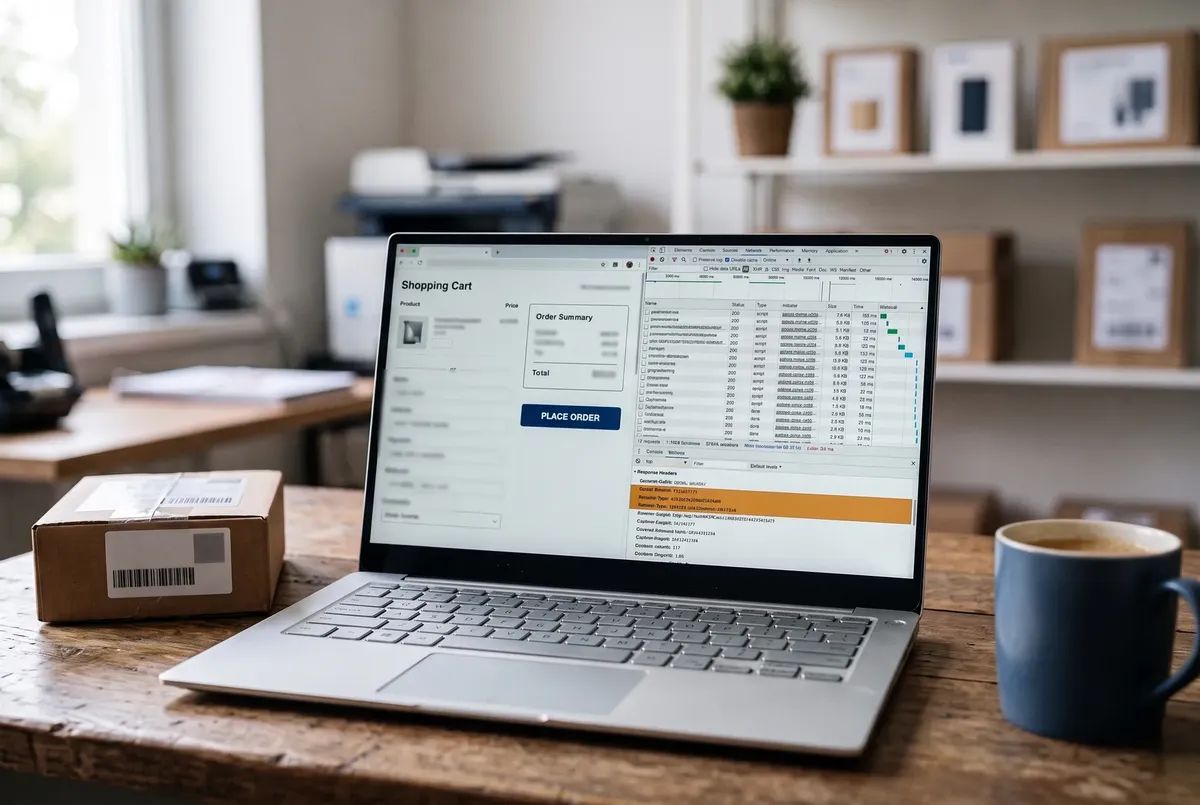
Cart empty after Add to cart, wrong mini cart, or a checkout that spins? Find which cache layer served the page from its headers, then fix only that layer.
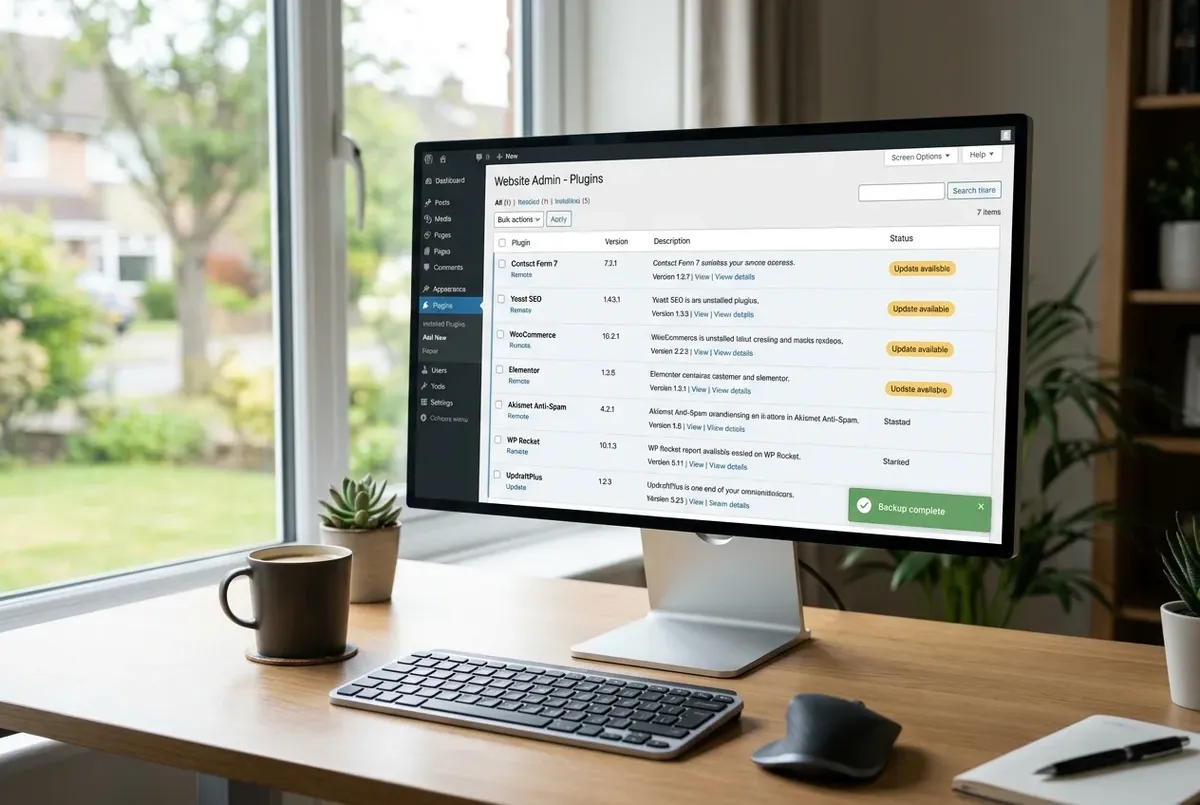
A plugin update can white-screen your site or break a layout. Here's the fastest responsible way to take a safety net first — about 60 seconds.
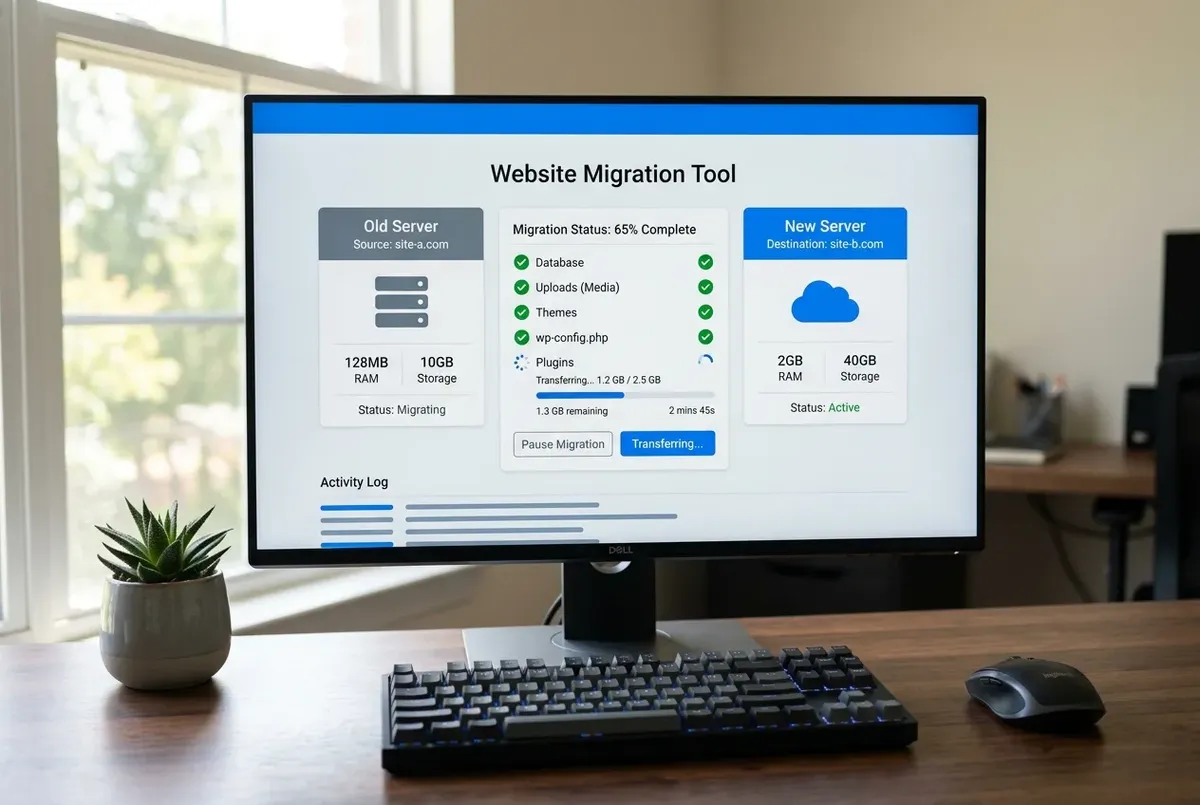
A complete WordPress migration is more than the database and your uploads. The full manifest, the gaps in common tools, and what no backup captures.
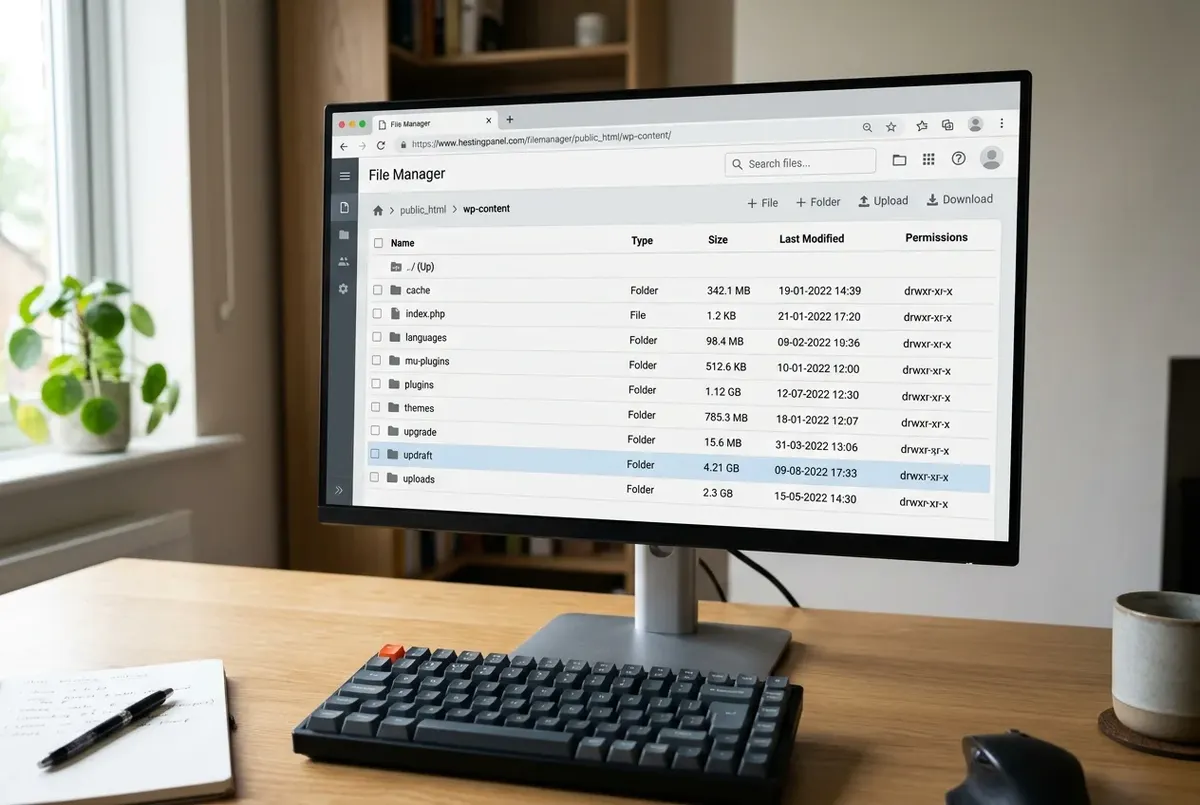
A big WordPress backup is usually old archives, caches, and logs swept into the file — not your content. How to find the bloat and cut it safely.
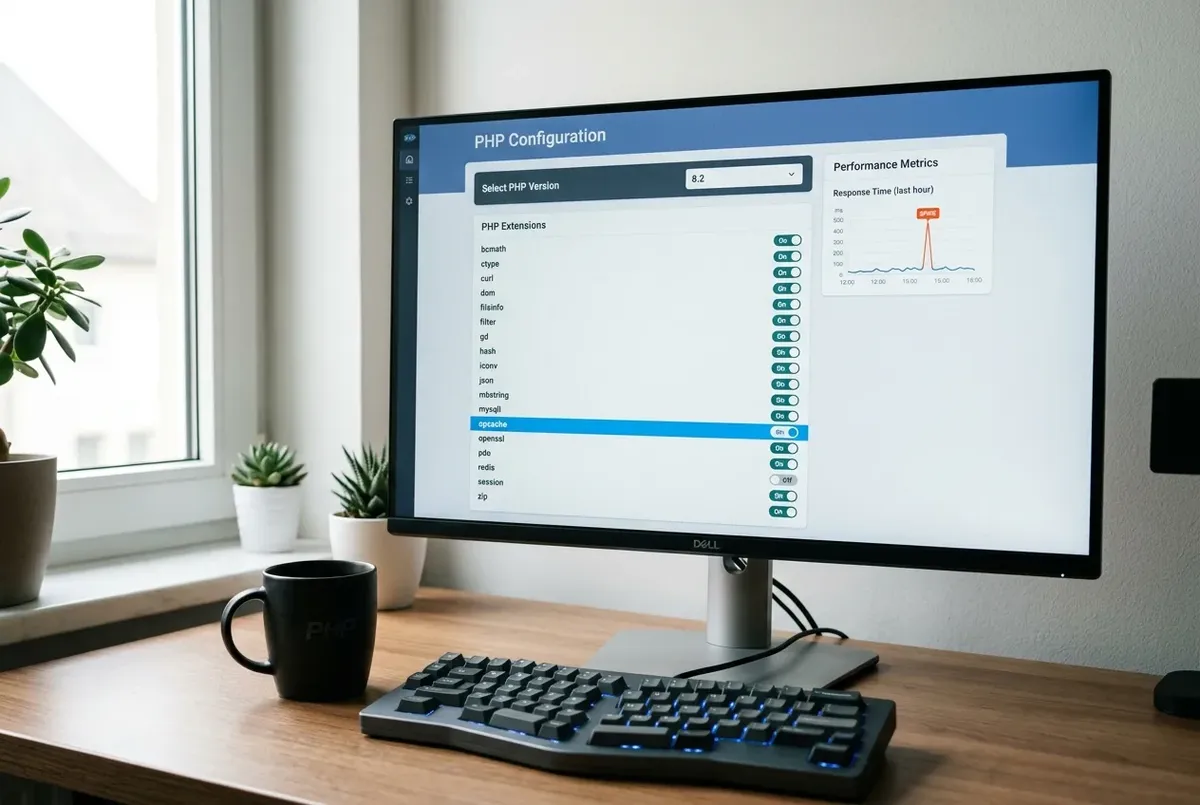
A PHP version switch doesn't slow WordPress by itself — but it can land you on OPcache off, a missing cache extension, or a deprecation-notice flood.
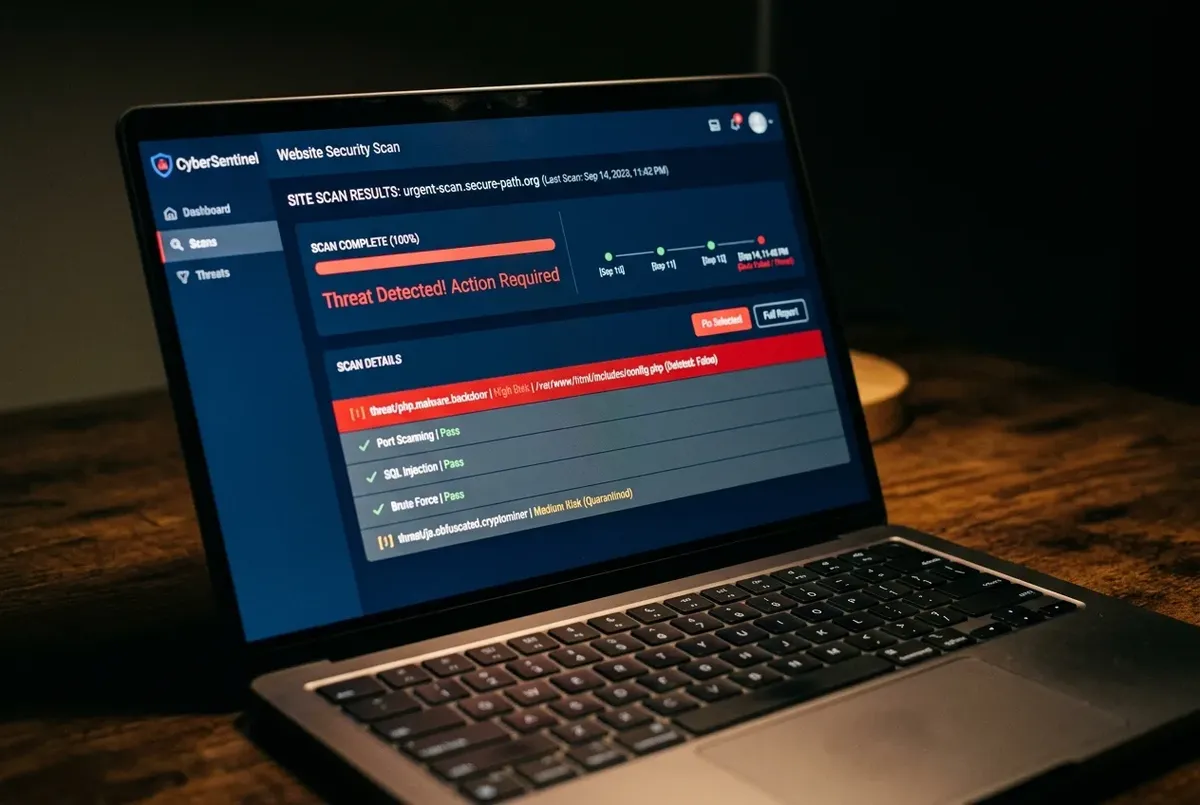
Restoring a backup after a hack is safe — but only if it genuinely predates the compromise. Here's how to check, and what to do either way.
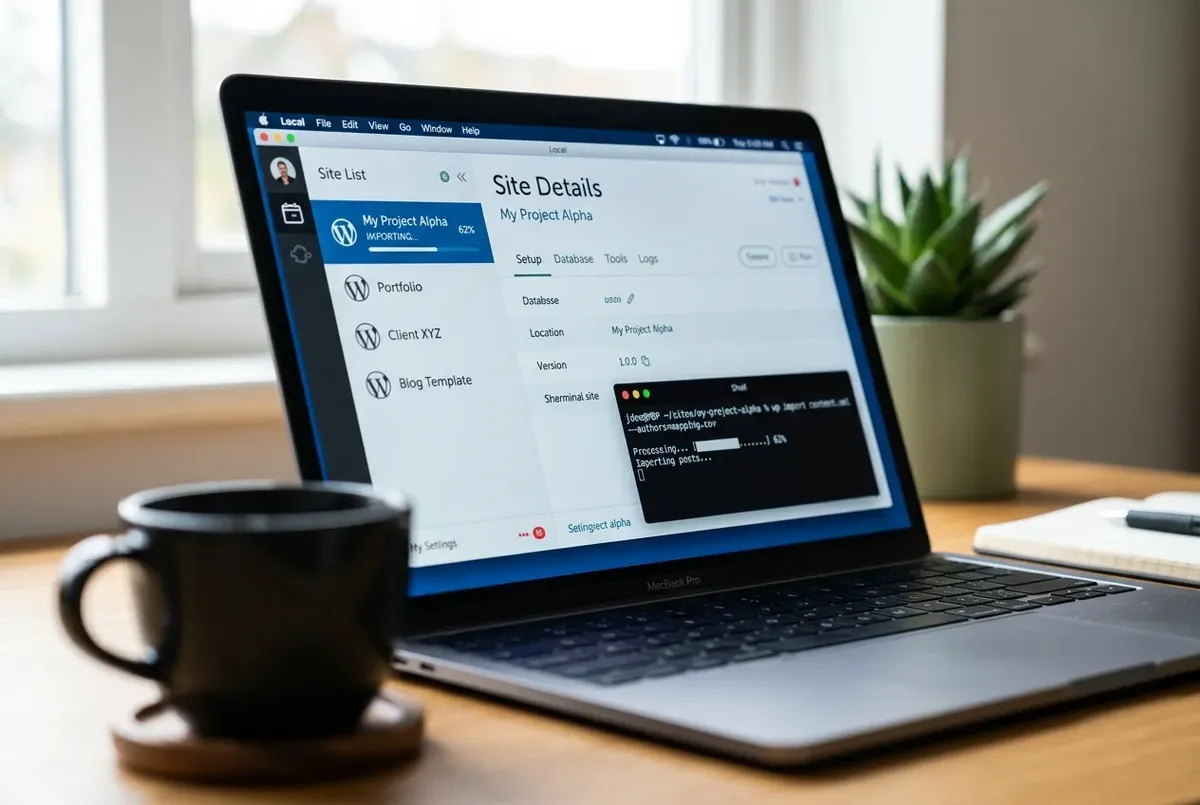
Verify a WordPress backup actually works before you need it under pressure — free, on your own computer, using Local (formerly Local by Flywheel).
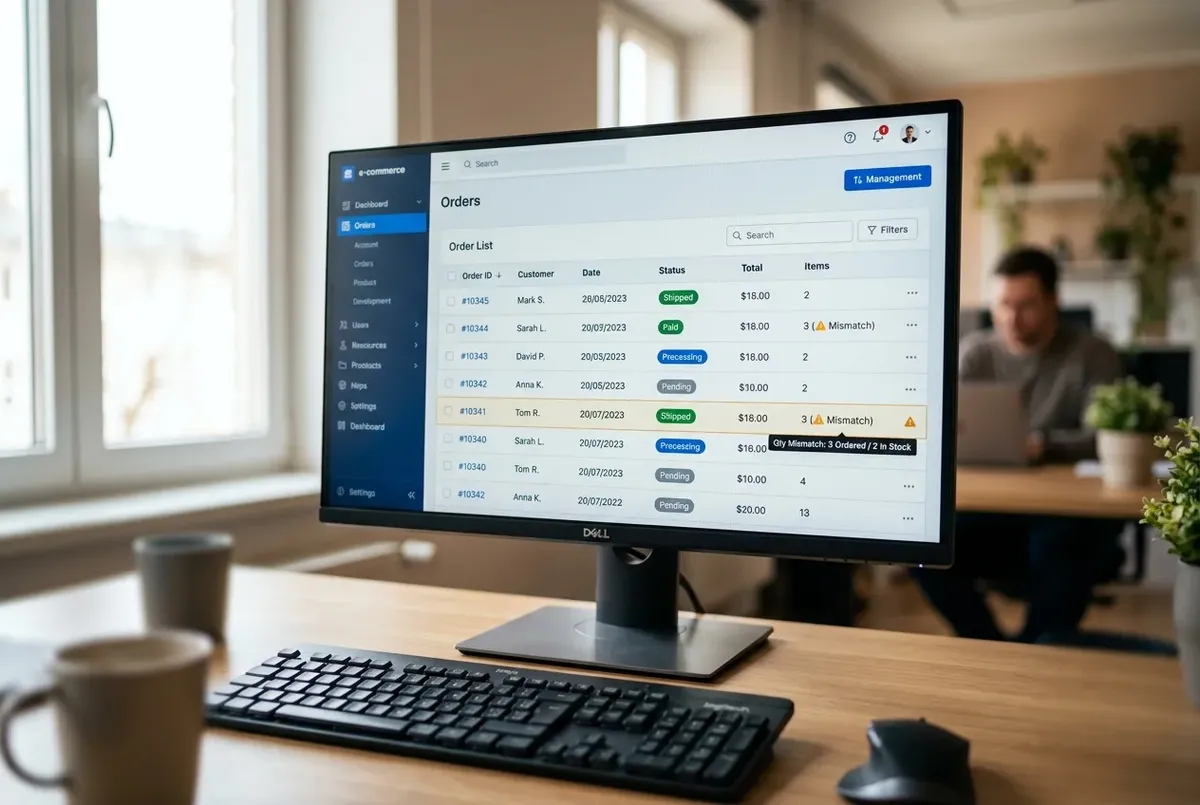
Order count badge still shows a number, but the Orders list is empty after a migration? It's almost never data loss — here's the real cause and the fix.

Widgets or a sidebar went blank after a domain change, but the rest of the site is fine? Here's why serialized data breaks that way, and the safe fix.

Locked out of wp-admin by a broken plugin, with no FTP access either? Here's how to deactivate it safely from phpMyAdmin, no file access needed.

Restoring a WordPress backup and hitting "packet bigger than max_allowed_packet"? Here's the real MySQL cause, not phpMyAdmin's upload limit, and the fix.
Technical problems get expensive when advice skips context. Our guides explain what changed, what to back up and how to confirm the repair.
How we check our guidesMatch the symptom to the correct layer.
Create the right backup and record the configuration.
Apply focused steps and keep a rollback path.
Search the full text of every guide, or send us the error message: hello@wpfixstack.com.