If your Core Web Vitals report shows a poor Interaction to Next Paint (INP) score and you've narrowed it down to your live chat widget, the fix isn't removing the widget — it's changing when its script runs. Tawk.to, Crisp, Tidio, and similar tools load a decent chunk of JavaScript on every page and start executing it immediately on page load, which competes with the browser's main thread right when a visitor is most likely to click or tap something. Delaying that script until after the first real user interaction fixes the INP hit while keeping chat fully available.
Symptoms
- PageSpeed Insights, Chrome UX Report (CrUX) data, or Search Console's Core Web Vitals report show INP flagged as "Needs Improvement" or "Poor" (above 200 ms needs improvement, above 500 ms is poor (opens in a new tab)).
- Disabling the chat widget plugin/script (as a test) measurably improves your INP or Total Blocking Time score.
- Chrome DevTools' Performance panel shows long tasks originating from the chat widget's domain (e.g., embed.tawk.to, client.crisp.chat, widget.tidio.co) during initial page load.
- The site feels "laggy" to tap or click on shortly after the page appears loaded, particularly on mobile.
Likely causes, in order of how often they actually happen
- The widget script loads and initializes on every page load, regardless of whether the visitor ever opens chat. Most live chat tools are built to be "ready instantly," so they fetch their JS bundle, set up event listeners, and sometimes open a WebSocket connection the moment the page loads — all of which consumes main-thread time that could otherwise go to handling the visitor's first click or tap.
- The script runs synchronously (or near-synchronously) rather than being deferred, meaning it blocks or delays other JavaScript execution instead of running quietly in the background.
- The widget is loaded via a generic "paste this snippet in your header" installation rather than through a performance-aware method, so there's no built-in lazy-loading behavior — this is standard behavior for most third-party chat tools, not a misconfiguration on your part.
- Multiple third-party scripts are competing at once (chat widget plus analytics, ads, or other trackers), and the chat widget is simply the largest single contributor because of its interactivity requirements (rendering a chat bubble UI, tracking visitor identity, etc.).
Fix it: lowest-risk steps first
Step 1 — Confirm the chat widget is actually the main contributor
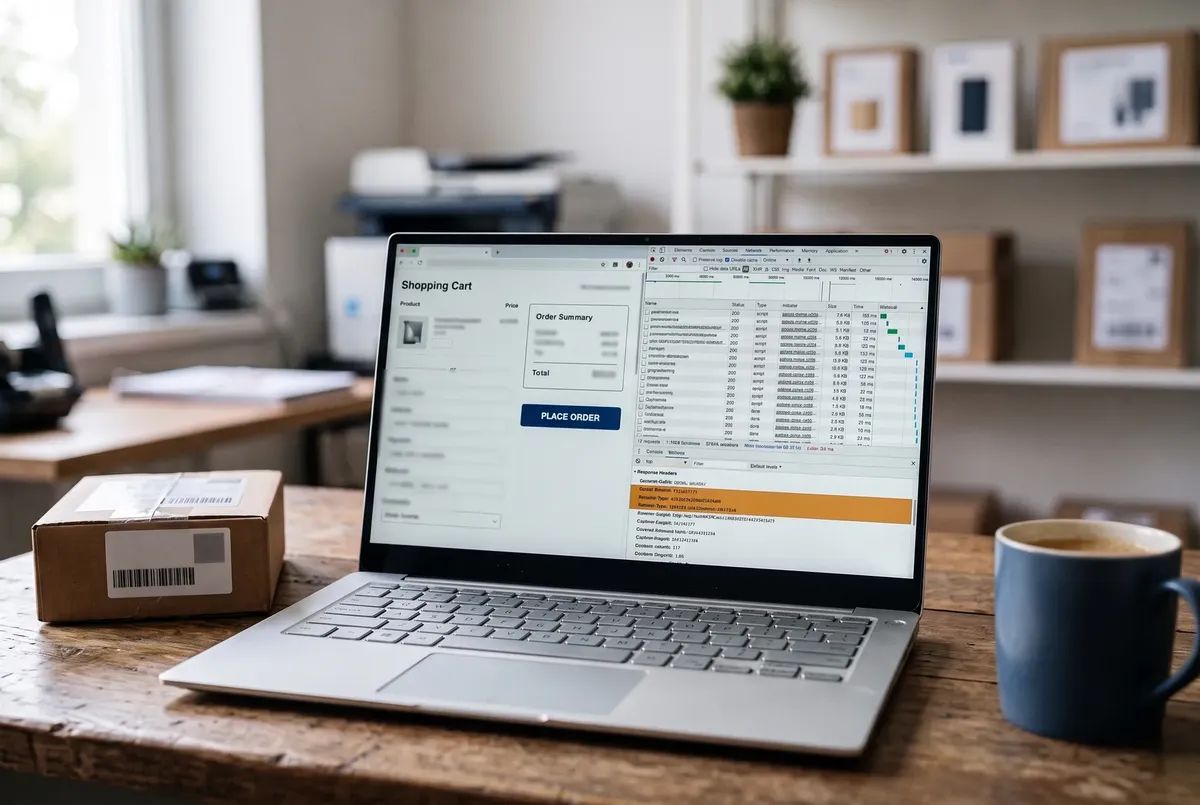
Before changing anything, open Chrome DevTools → Performance tab, record a page load, and look at which domains show up in the longest tasks. Alternatively, use PageSpeed Insights' diagnostics section, which often names third-party scripts by domain and their main-thread blocking time directly. This confirms you're fixing the right thing before touching your setup.
Step 2 — Check whether your caching plugin already offers a "delay JavaScript" feature
Many WordPress caching and optimization plugins can hold scripts back until the first user interaction: WP Rocket's Delay JavaScript Execution (opens in a new tab) (File Optimization tab) and LiteSpeed Cache's Load JS Deferred → Delayed (opens in a new tab) (Page Optimization → JS Settings). Both delay scripts by default rather than working from an include list, so make sure the chat snippet isn't on the exclusion list. One catch from WP Rocket's documentation: scripts inserted after the page loads, or fetched by another script, can't be delayed — so this works when the chat embed is a script in the page's HTML, not when another tool injects it later.
Step 3 — If no plugin feature is available, implement a placeholder-triggered load pattern
The general pattern — which your developer or a plugin's custom-code feature can implement — is:
- Instead of loading the chat widget's script tag on page load, render a lightweight static chat bubble (just an icon and a small CSS-only button, no JavaScript dependency) in the same corner of the screen where the widget normally appears.
- Attach a listener to that placeholder button (and optionally to the page's first scroll or touch event) that, on first interaction, injects the real chat widget's script tag into the page.
- The real widget then initializes as it normally would, and subsequent clicks work exactly as if it had loaded on page load — the visitor sees a near-identical bubble the whole time, with no visible gap.
This defers the widget's main-thread cost until the visitor actually interacts. That matters because INP observes every interaction on the page (opens in a new tab) and reports roughly the slowest one, so a widget that keeps the main thread busy while the visitor taps and clicks drags the score down. Most chat platforms load from a single embed snippet, so this pattern doesn't require rewriting any of the vendor's code — only changing when that snippet gets inserted into the page.
Step 4 — If the widget still shows a heavy footprint after deferring, evaluate loading it only on the pages that need it
If your chat widget is currently loaded sitewide via a global header/footer snippet, consider limiting it to pages where visitors are actually likely to want to chat (contact, pricing, checkout, or key landing pages) rather than every blog post and archive page. This is a business decision, not a pure performance one, but it directly reduces how often the script's cost is paid at all.
Verify the fix
- Re-run PageSpeed Insights (or check the Core Web Vitals report in Search Console after enough field data accumulates) and confirm INP has dropped out of the "Needs Improvement"/"Poor" range.
- Manually test the chat widget on a live page: confirm the bubble appears immediately, and clicking it opens the real chat window with no noticeable delay.
- Re-check Chrome DevTools' Performance panel to confirm the chat widget's script no longer shows up as a long task during initial page load.
If you need to roll back
If the deferred-load pattern causes the chat bubble to behave inconsistently (doesn't open on first click, or the real widget fails to initialize properly), revert to loading the chat script normally on page load and re-test to confirm the site is stable, then troubleshoot the deferred version separately rather than leaving a half-working implementation live. If you used a caching plugin's "delay JS" feature, simply remove the chat widget's domain from the delay list to restore normal loading.
Related fixes
- WordPress Speed Optimization: The Complete Guide — For the full guide to caching, images, and server-level performance tuning.
- Why WordPress on aaPanel Has High TTFB — For a different performance bottleneck at the server/caching layer.
- AVIF Images Uploaded But No Thumbnails — For another common Core Web Vitals culprit.
FAQ
Will delaying the chat widget mean I lose visitors who wanted to chat immediately?
In practice, rarely — the placeholder bubble is visible from page load, so visitors see chat is available. The only thing deferred is loading the real widget, which starts on the first click, scroll or tap; on a slow connection the first opening can take a moment, which is the trade-off for not paying the widget's cost on every page view.
Is INP more important than page load speed for a site with live chat?
They measure different things and both matter. INP measures how responsive the page feels while the visitor is using it (clicks, taps, keyboard input), whereas metrics like LCP measure how quickly the main content becomes visible. A live chat widget specifically tends to hurt INP because it's inherently interactive and JavaScript-heavy, not because it slows down initial rendering.
Can I just use a smaller or "lightweight" chat widget instead of fixing the loading pattern?
Switching chat providers can help if your current one is unusually heavy, but it doesn't eliminate the underlying issue — any third-party widget that initializes on page load will consume some main-thread time. Deferring its load until after first interaction addresses the root cause regardless of which chat platform you use.
Every guide explains the symptom, likely causes, the safest order of checks and how to confirm the fix. How we check our guides.