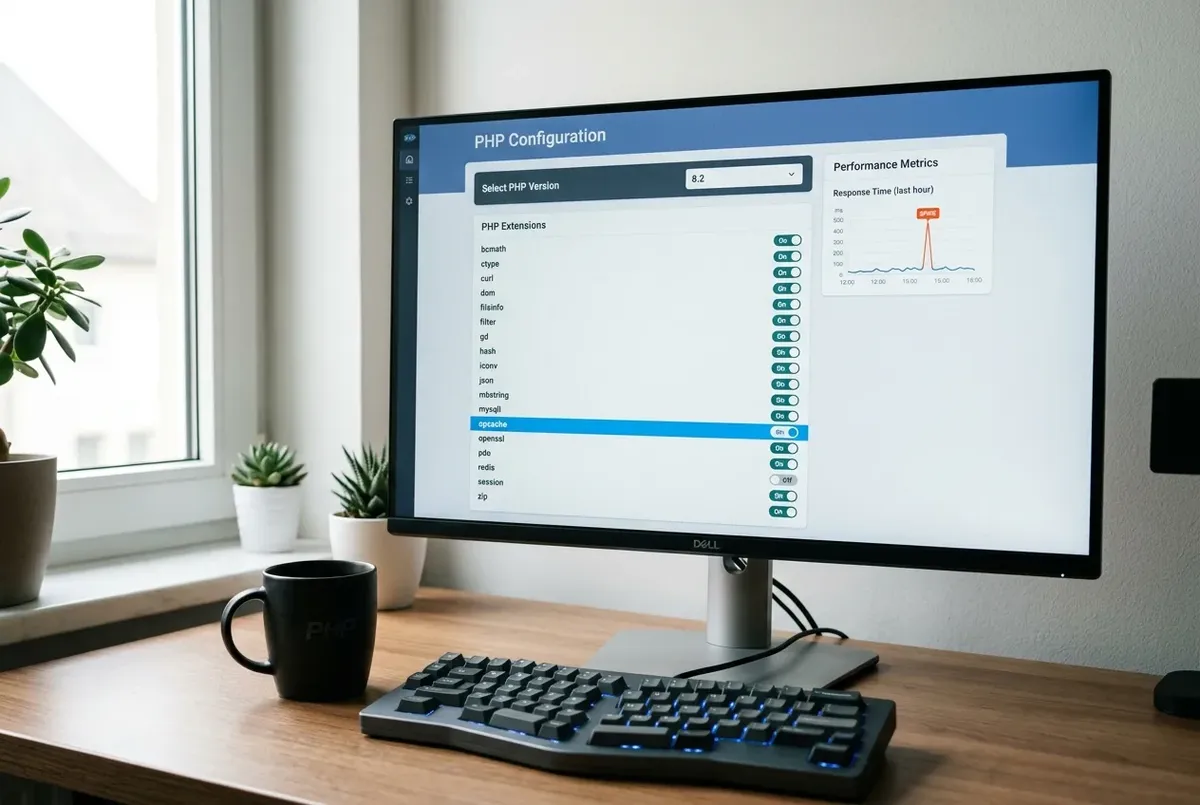
If you can upload AVIF images to your WordPress Media Library but no thumbnail sizes get generated (only the original full-size file shows up), the cause is almost always the PHP image library on your server. WordPress 6.5 added AVIF support (opens in a new tab), but it only works if the server's Imagick or GD build can process AVIF: GD gained AVIF functions in PHP 8.1 (opens in a new tab) and only when it's compiled with AVIF support, while Imagick needs an ImageMagick build with AVIF support. This is a server-side capability issue, not something you fix inside WordPress settings alone.
Symptoms
- AVIF files upload successfully to the Media Library and the original image displays fine.
- No resized versions (thumbnail, medium, large, etc.) appear in the uploads folder or in the Media Library's "Attachment details" panel for that image.
- Other formats (JPEG, PNG, WebP) generate thumbnails normally on the same site.
- Front-end pages using responsive
srcsetimages show the same full-size AVIF file at every breakpoint, since no smaller versions exist to serve. - No obvious error message appears in the WordPress admin — the upload just silently produces no thumbnails.
Likely causes, in order of how often they actually happen
- The server's active PHP image library doesn't support AVIF, or supports it only partially. WordPress added AVIF upload and display support, but actually generating AVIF thumbnails depends entirely on whether GD or Imagick, as compiled on your specific server, can read and resize AVIF files. Many GD builds either can't handle AVIF at all or can display it but fail silently on resize operations.
- The site is using GD by default without Imagick being available, and GD's AVIF support varies significantly by PHP version and how GD was compiled on that particular host — some hosts have newer GD builds with usable AVIF support, many don't yet.
- Imagick is installed but wasn't compiled with AVIF (libavif) support, which is a separate requirement from Imagick simply being present — having the Imagick PHP extension installed doesn't guarantee the underlying ImageMagick build supports every format.
- A caching or optimization plugin is intercepting the upload and silently failing on the resize step, without surfacing an error — less common than the library issue itself, but worth ruling out if switching libraries doesn't help.
Fix it: lowest-risk steps first
Step 1 — Check which image library your site is actually using
In WordPress admin, go to Tools → Site Health → Info tab, then open the Media Handling section. It shows the active image editor (WordPress tries Imagick first, then GD (opens in a new tab)), the library versions, and the supported formats; WordPress's AVIF announcement (opens in a new tab) says to look for AVIF in that list. If AVIF isn't listed for the active editor, the library is the bottleneck rather than a WordPress bug.
Step 2 — Test with a non-AVIF format to isolate the issue
Upload a JPEG or WebP version of the same image and confirm thumbnails generate normally. If they do, this confirms the problem is specific to AVIF handling in your image library rather than a broader Media Library or file permissions issue, saving you from troubleshooting the wrong thing.
Step 3 — If Imagick is available but lacks AVIF support, ask your host to check or update it
AVIF support in Imagick depends on the underlying ImageMagick installation being built against a version of libavif or libheif that supports it. This isn't something you can change from within WordPress or aaPanel's PHP settings — it requires the server's ImageMagick binary itself to be rebuilt or updated. Contact your host (or, if self-managed, your server administrator) and ask specifically whether ImageMagick on the server supports AVIF encoding/decoding, and whether it can be updated. Many hosts are actively rolling this out as AVIF adoption grows, so a version bump alone sometimes resolves it.
Step 4 — If GD is the only option and it doesn't support AVIF, don't force it
If your hosting environment only offers GD and it can't reliably handle AVIF resizing, the practical, lower-risk choice for now is to keep uploading images in WebP or JPEG for anything that needs responsive thumbnail sizes, and reserve AVIF only for images where you don't need WordPress-generated sizes (for example, a single hero image inserted directly at one size). AVIF offers modest additional compression over WebP for many images, but WebP already has broad, consistent thumbnail support across both GD and Imagick — the safer trade-off until server-side AVIF handling matures further.
Step 5 — Once library support is confirmed, regenerate thumbnails for existing AVIF uploads
After confirming (via Site Health) that Imagick with AVIF support is active, use a thumbnail regeneration tool (several dedicated regeneration plugins exist for this exact purpose) to reprocess previously uploaded AVIF images that are missing their sizes. Run this on a staging copy first if you have a large media library, since regenerating thousands of images can take significant server time.
Verify the fix
- Re-check Tools → Site Health → Info → Media Handling and confirm Imagick is active with AVIF listed under supported formats.
- Upload a fresh AVIF test image and confirm the Media Library's attachment details now show multiple generated sizes (thumbnail, medium, large, etc.), not just the original.
- Inspect the front-end page source for that image and confirm a
srcsetattribute with multiple AVIF sizes is present, rather than the same full-size file repeated at every breakpoint.
If you need to roll back
If switching to Imagick (or a host update) causes unrelated image processing issues elsewhere on the site — for example, a plugin that assumed GD-specific behavior — you can typically force WordPress back to GD by removing or disabling Imagick support at the server level, or via the wp_image_editors filter in a must-use plugin if you need finer control without host involvement. Since this is a server-level capability rather than a WordPress database change, reverting doesn't require restoring from backup — only re-adjusting which library is exposed to PHP.
Related fixes
- WordPress Speed Optimization: The Complete Guide — For the full guide to caching, images, and server-level performance tuning.
- Your Live Chat Widget Is Killing Your INP Score — For another common Core Web Vitals culprit.
- Why WordPress on aaPanel Has High TTFB — For server-level performance issues.
FAQ
Why does WordPress let me upload AVIF files if thumbnails can't be generated?
WordPress's AVIF upload and display support is separate from thumbnail generation support. The upload/mime-type allowance was added at the WordPress core level, but resizing any image format still depends on the server's PHP image library being able to process that format — so an AVIF file can be accepted and shown at full size while silently failing to produce smaller derivative sizes if the library can't handle it.
Is Imagick always better than GD for AVIF?
Not automatically — it depends on how Imagick was compiled on your specific server. Imagick generally has more consistent, mature AVIF support when it's built against a current libavif/libheif library, but an outdated or minimally-compiled Imagick installation can lack AVIF support just as GD can. Site Health's Media Handling panel showing AVIF in Imagick's supported formats list is the direct way to confirm, rather than assuming based on which library is active.
Should I convert my whole media library to WebP instead of waiting on AVIF support?
For most sites, yes, that's the more pragmatic near-term choice — WebP has broad, stable support across both GD and Imagick on virtually all current hosting environments, while AVIF support is still inconsistent server-to-server. AVIF can offer a modest additional file-size advantage over WebP for some images, but it isn't worth losing responsive thumbnail generation over until your specific server's image library reliably supports it.
Every guide explains the symptom, likely causes, the safest order of checks and how to confirm the fix. How we check our guides.