If you only need one recommendation: UpdraftPlus or WPvivid for ongoing scheduled backups with offsite storage and one-click restore, and Duplicator or All-in-One WP Migration when you're moving or cloning a site rather than protecting it on an ongoing basis. They solve different problems, so don't rely on a migration tool as your only backup, or on a backup plugin to move a site. The rest of this guide covers what actually distinguishes them, what to check before trusting any of them on your specific hosting setup, and links to the fixes for each plugin's documented failures.
Scheduled backup vs. migration tool — these are not interchangeable
- Scheduled backup plugins (UpdraftPlus, WPvivid) run automatically on a schedule, store copies offsite (Google Drive, Dropbox, S3, or their own cloud), and are built to restore a site back to a previous point in time — including partial restores of just the database or just the files.
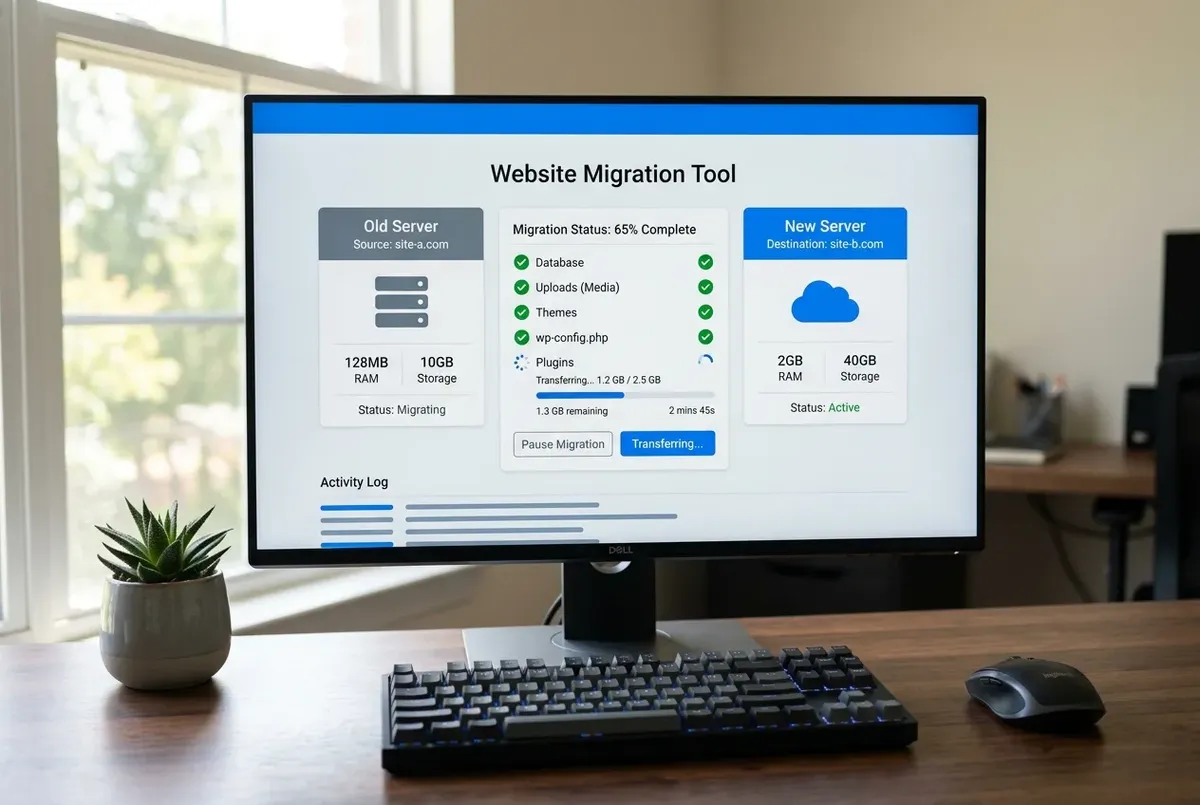
- Migration/export tools (Duplicator, All-in-One WP Migration) are built to package a site once and move it somewhere else — a new host, a staging copy, a local development environment. They don't run on a schedule and aren't designed as your disaster-recovery plan.
If your scheduled backups are actually a migration tool you set up once and never touch again, you likely don't have a real recovery point for last week's problem — you have a snapshot of the day you installed it.
The backup and migration plugins compared
UpdraftPlus
The most widely installed scheduled backup plugin, and for good reason: reliable offsite storage integrations, incremental backups on the paid tier, and a restore process that handles both full-site and selective (database-only, files-only) restores. The free version covers most small sites well. Watch for the database import stage failing with an oversized .sql file on restrictive hosts — see our packet-size fix for the real cause and how to resolve it.
WPvivid
A strong free alternative to UpdraftPlus with a very similar feature set — scheduled backups, offsite storage, staging site creation, and a migration mode. We've documented its restore-stuck failure modes in detail (below) because they're common enough on shared and budget VPS hosting to be worth knowing before you need them, not after.
Duplicator
The standard tool for packaging an entire WordPress site (files plus database) into a single installer for moving to a new host or domain, or cloning to a staging environment. It is not a scheduled backup tool — there's no automatic recurring run — so don't rely on it as your only safety net between migrations.
All-in-One WP Migration
Similar purpose to Duplicator with a different packaging format and its own quirks, most notably around Find & Replace not catching every instance of an old domain during import. Good for one-off migrations, particularly when you're moving between very different hosting environments.
What actually determines whether a restore will work
The plugin you pick matters less than whether your hosting environment can actually run a restore when you need one — this is the part generic plugin roundups skip, and it's where most real-world failures come from:
- PHP memory_limit and max_execution_time. A restore has to decompress a zip, write potentially thousands of files, and import a full database dump in one request cycle. Default shared-hosting limits (often 128M / 30–60s) are routinely too low for anything beyond a small site, regardless of which plugin you use.
- Available disk space. A restore temporarily needs room for the zip, the fully extracted files, and the site being replaced — sometimes 2–3x the backup's size, even briefly.
- Database connection permissions. Some hosts restrict direct MySQL connections from PHP for security, which affects how a plugin's database import stage behaves — this is specific to your hosting control panel (aaPanel, cPanel, Plesk all handle it differently), not the plugin.
- Whether the plugin's table list actually covers WooCommerce's HPOS tables, if you run a store. A backup or migration tool that predates High-Performance Order Storage, or is configured with a narrow table list, can skip
wp_wc_ordersand its 3 sibling tables entirely — the restore looks complete, but the order data never moved. See WooCommerce Orders Show a Count But the List Is Empty if this is what you're seeing after a migration.
If you're on aaPanel specifically, check your PHP settings under the PHP tab in your site's configuration before you ever need a restore under pressure — raising memory_limit and max_execution_time there takes under a minute and has already prevented most of the stuck-restore cases we've traced.
Does your backup actually capture WooCommerce orders?
If you run a store, this is worth checking directly rather than assuming. With High-Performance Order Storage (HPOS) — enabled by default for new installations since WooCommerce 8.2 (opens in a new tab) — orders live in wp_wc_orders and three companion tables (opens in a new tab), not in wp_posts. Whether your backup includes them comes down to one question: does the tool back up the entire database, or a filtered subset?
Full-database backups are safe for orders. UpdraftPlus, WPvivid, Duplicator, All-in-One WP Migration, BackWPup, and any host-level snapshot all dump every table that belongs to your site, HPOS tables included. This is the normal case, and it's why "which backup plugin works for WooCommerce" mostly isn't the right question — "does my backup include the whole database" is.
What does miss orders:
- The WordPress XML exporter (Tools → Export) — it exports content as a WXR/XML file (opens in a new tab): posts, pages, custom post types (so products), comments, custom fields, terms and users, with no WooCommerce order tables at all. It was never a backup tool, but people reach for it.
- WooCommerce's CSV export (Products → Export, or an order-export plugin) — useful for accounting or moving product data, but it's a data export, not a site backup, and it won't restore a working store.
- A backup configured with a manual table list set up before HPOS existed, or a "posts and options only" staging mode. If you hand-picked tables once, re-check that list now.
The check that settles it: after any restore or migration, open the Orders screen and confirm real orders load — not just that the count in the menu looks right. A count that doesn't match the list is the exact signature of order tables that didn't come across.
Common backup plugin problems (and where to fix them)
- WPvivid Restore Stuck or Failed — the four real causes behind a restore that stalls or fails partway through, and the fix for each.
- Duplicator Package Stuck at 'Building' or Host Build Interrupt — what to check in order: database export mode, ZipArchive, then PHP limits.
- All-in-One WP Migration Didn't Replace All Your URLs — the manual Find & Replace cleanup for URLs the import missed.
- Your WordPress Backups Might Not Be Running — how to verify your last real backup actually happened, and fix wp-cron if it hasn't.
- UpdraftPlus Backup Failed: What Each Error Message Actually Means — matching UpdraftPlus's exact error text to its real cause, from disk space to firewall blocks.
- No FTP Access — Deactivate a Broken Plugin via phpMyAdmin — if a plugin white-screens the site and you can't reach it by file manager either.
- Widgets or Layouts Disappeared After a Domain Change — why serialized data breaks that way, and the safe fix that doesn't touch your content.
- WooCommerce Orders Show a Count But the List Is Empty — why a migration tool can leave WooCommerce's order tables behind, and how to tell it apart from a simple sync mismatch.
- Restore a Backup to Local by Flywheel First — how to actually test a restore for free, on your own computer, before you trust a backup with your live site.
- Can I Restore My WordPress Site Myself After Being Hacked? — why an infected backup just brings the malware back, and how to tell if yours is actually clean.
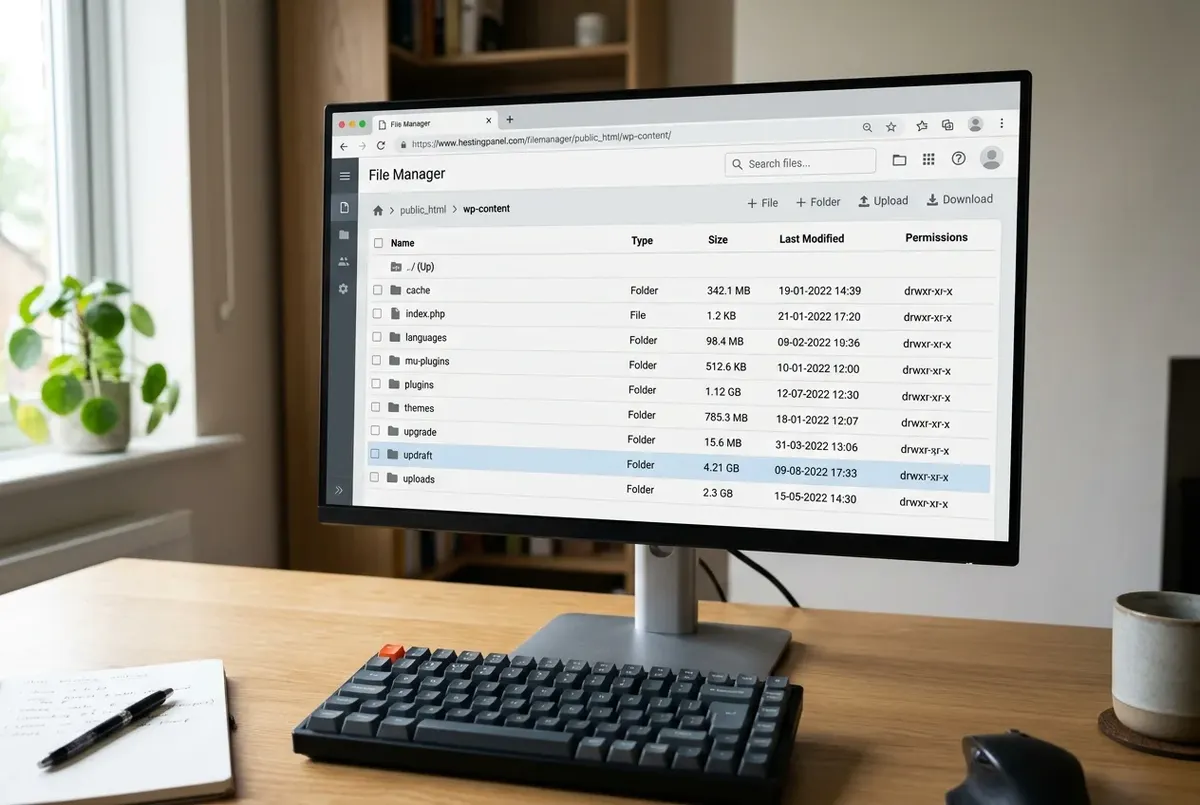
- Why Is My WordPress Backup File So Large (and How to Shrink It) — how to find which folder or table is inflating the archive, and cut it down without breaking a restore.
- Back Up WordPress Before Updating Plugins — the 60-Second Version — the fast pre-update safety net, what it needs to include, and how to roll back if an update breaks the site.
- Moving a WordPress Site? What Your Backup Actually Needs to Include — the complete migration manifest, the gaps in common tools, and the wp-config values to carry across.
FAQ
Do I need both a scheduled backup plugin and a migration plugin?
If you ever move, clone, or migrate the site — yes. They solve different problems: a scheduled backup plugin protects you against something breaking on the live site, while a migration tool is what you'd reach for to move to new hosting or spin up a staging copy. Most sites end up with one of each installed, used for entirely different tasks.
Is a free backup plugin actually enough, or do I need the paid version?
For most small-to-medium sites, the free tier of UpdraftPlus or WPvivid covers the essentials: scheduled backups, offsite storage, and full-site restore. The paid tiers mostly add incremental backups (faster, smaller subsequent backups) and priority support — worth it once your site is large enough that full backups take a long time, not before.
My backup file is huge — is something wrong?
Usually not. A large backup is almost always old backup archives, cache folders, and log files being swept into the new archive, rather than a problem with your actual content. Why Is My WordPress Backup File So Large walks through finding the specific cause and cutting it down safely, lowest-risk changes first.
How often should I actually test a restore, not just take backups?
At minimum, test one full restore to a staging environment when you first set up backups, and again after any major hosting migration — a backup you've never restored from is an assumption, not a safety net. If your host supports one-click staging, this takes a few minutes and costs nothing to verify. No staging environment available? See Restore a Backup to Local by Flywheel First for a free way to test the same thing on your own computer.
Every guide explains the symptom, likely causes, the safest order of checks and how to confirm the fix. How we check our guides.