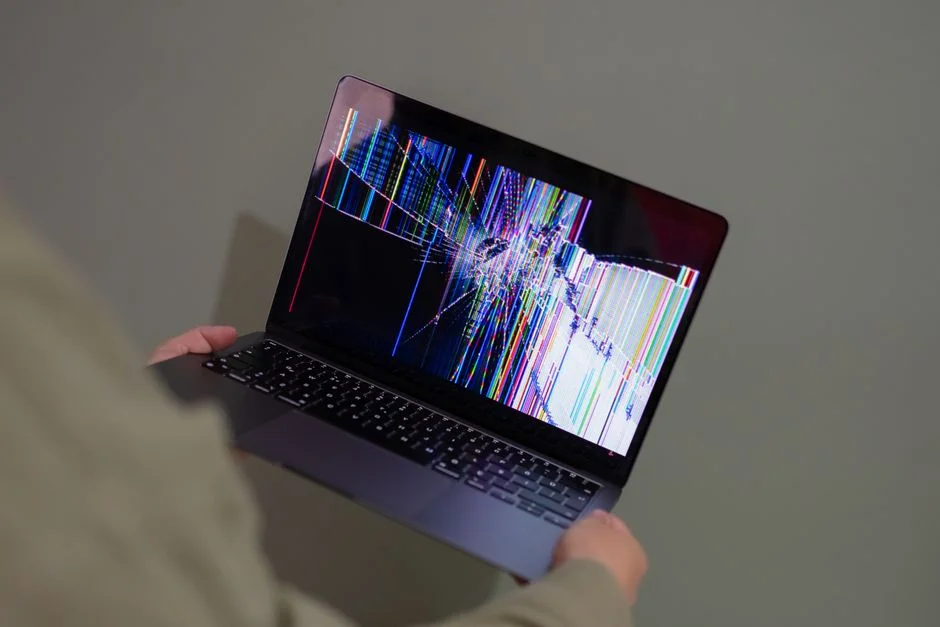
If your site showed "There has been a critical error on this website" or a blank white screen right after your host upgraded (or you manually upgraded) PHP to 8.1, the fastest safe move is to revert the PHP version first to get the site back online, then find the actual cause. Most sites reach 8.1 from 7.4, so the fatal errors usually come from PHP 8.0's removals (opens in a new tab) — functions like create_function() and each() are gone, and some operations that used to warn now throw errors — plus a few 8.1 changes (opens in a new tab), such as MySQLi throwing exceptions by default. The much-discussed 8.1 change about passing null to built-in functions is only a deprecation notice (opens in a new tab), not a fatal error.
Symptoms
- "There has been a critical error on this website. Please check your site admin email inbox for instructions" shown to visitors, or a blank white screen with no message at all.
- This started immediately after a PHP version change — either you changed it manually in your hosting panel, or your host auto-upgraded PHP on your account.
- wp-admin may be equally broken, or in some cases still partially accessible (this depends on where exactly the fatal error occurs in the request).
- The site worked fine on the previous PHP version with no changes to plugins, themes, or content.
Likely causes, in order of how often they actually happen
- A plugin or theme not yet updated for PHP 8 uses removed or now-fatal code — for example
create_function(),each(), or arithmetic on an array, all of which stop execution on PHP 8. Abandoned or infrequently updated plugins are the most common source. - A theme's functions.php or a custom code snippet uses the same outdated PHP pattern, just in custom code rather than a well-known plugin, making it harder to spot from a changelog.
- A required PHP extension isn't enabled on the new PHP 8.1 environment — hosts don't always carry every extension over (image, mail, or database extensions are common gaps) when provisioning a new PHP version.
Fix it: lowest-risk steps first
Step 1 — Revert the PHP version via your hosting panel to get the site back up immediately
This is the fastest way to stop the bleeding and costs nothing — reverting doesn't lose any data, it only changes which PHP interpreter runs your existing files.
- Log in to your hosting control panel (cPanel's "Select PHP Version," Plesk's PHP settings, aaPanel's site settings, or your host's equivalent).
- Find the PHP version selector for your specific site/domain.
- Switch it back to the PHP version the site was running before (commonly 7.4 or 8.0). Treat this as temporary: both are end of life with no security fixes (opens in a new tab).
- Reload the site and confirm it's back to working normally.
With the site back online, you now have breathing room to diagnose the real cause without visitors seeing a broken page in the meantime.
Step 2 — Enable WP_DEBUG_LOG to capture the exact fatal error and its source file
Do this on a staging copy of the site if you have one, or during a low-traffic window on the live site if you don't — the goal here is just to read the log, not to display errors publicly.
- Connect via FTP/SFTP or your file manager and open
wp-config.phpin the WordPress root. No FTP access at all? See deactivating a broken plugin via phpMyAdmin instead — it skips file access entirely. - Find the line
define('WP_DEBUG', false);(or add it near the top if it isn't present) and set it to:
define('WP_DEBUG', true);
define('WP_DEBUG_LOG', true);
define('WP_DEBUG_DISPLAY', false);
Setting WP_DEBUG_DISPLAY to false keeps errors out of the public-facing page while still logging them.
- Switch the PHP version back to 8.1 temporarily on a staging site (or briefly on live, if that's your only option, during low traffic) so the actual fatal error under 8.1 gets logged.
- Reproduce the critical error by loading the site once.
- Open
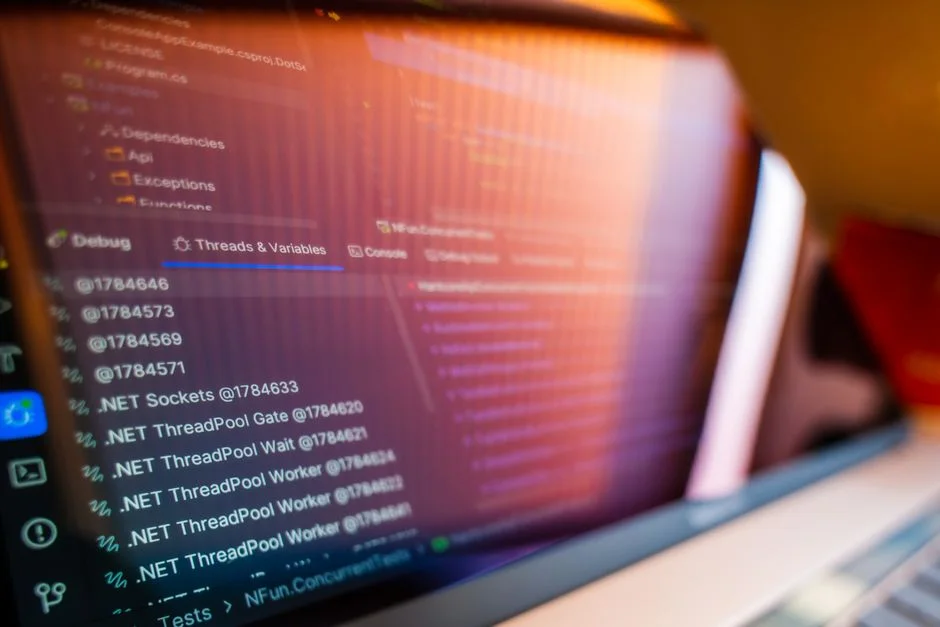
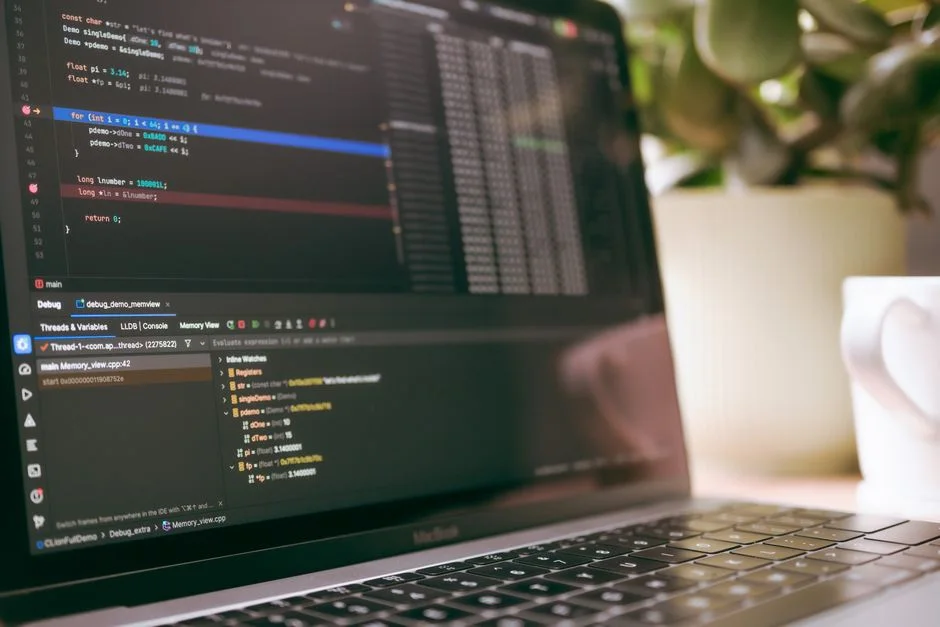
wp-content/debug.logvia FTP/file manager and look at the most recent entries — the fatal error line will typically name the exact file and line number where the error occurred (for example, a specific plugin's file path underwp-content/plugins/), and often the specific function and argument type involved. - Once you've captured the relevant log lines, switch PHP back to your stable/reverted version (Step 1) if you were testing on the live site.
Step 3 — Identify whether the fatal error is from a plugin, theme, or core, and decide: update, replace, or wait
With the exact file path from the debug log in hand:
- If the error points to a file under
wp-content/plugins/[plugin-name]/: check that plugin's page in the WordPress plugin directory (or its changelog) for a note about PHP 8.1 compatibility, and check whether a newer version is available. If yes, update just that plugin (ideally on staging first) and retest under PHP 8.1. - If no compatible update exists and the plugin appears abandoned (no updates in over a year, no response to support requests), look for an actively maintained alternative plugin that covers the same functionality, and plan a migration rather than waiting indefinitely.
- If the error points to the active theme's
functions.phpor a custom code file: the line and function named in the log tell you what needs patching — for example replacingcreate_function()with an anonymous function, oreach()withforeach(PHP's migration notes (opens in a new tab) list the replacements). This may need a developer if you're not comfortable editing PHP directly. - If you'd rather not touch code right now: it's entirely reasonable to stay on the reverted, working PHP version for a while longer and revisit the PHP 8.1 upgrade once the specific plugin or theme has published a compatible update — just be aware most hosts eventually stop supporting older PHP versions, so this isn't a permanent option.
Verify the fix
- With the fix applied (updated plugin, patched theme code, or extension enabled) and PHP set back to 8.1, load the site as a logged-out visitor and confirm no critical error appears.
- Check
wp-content/debug.logagain after reproducing the same page load — confirm the specific fatal error is gone (new unrelated notices may still appear; focus on the one you fixed). - Turn
WP_DEBUGback tofalseonce you're done debugging (WP_DEBUG_LOGonly works whileWP_DEBUGis on), and deletewp-content/debug.log, which anyone can download unless your server blocks it. WordPress recommends against debug tools on live sites (opens in a new tab). - Spot-check a few key pages and any functionality tied to the plugin/theme you patched, not just the homepage.
If you need to roll back
If updating the plugin or patching the theme code doesn't resolve the fatal error, or introduces new problems, deactivate that specific plugin (Plugins → Deactivate) or switch back to a default theme temporarily, and confirm the site loads under PHP 8.1 without it — this confirms the diagnosis even if you're not ready with a permanent fix yet. If nothing short of reverting PHP works, staying on the older, stable PHP version (Step 1) is a completely valid medium-term choice while you plan the plugin/theme fix or replacement properly, rather than leaving the site broken in the meantime.
Related fixes
- Common WordPress Errors and How to Fix Them — For the full guide to telling WordPress errors apart and finding the right fix.
- Fix a WordPress 500 Internal Server Error on aaPanel — For a similar PHP-version-triggered error on aaPanel specifically.
- WordPress White Screen After Switching PHP Version in aaPanel — If you're seeing a blank white screen instead of the critical error message.
- WordPress Stuck in Maintenance Mode After a Failed Update — If the failure happened mid-update rather than after switching PHP versions.
- aaPanel PHP Version Switch Broke Your WordPress Database Connection — If you're seeing a database connection error instead of the critical error message.
- Back Up WordPress Before Updating Plugins — the 60-Second Version — if a plugin update caused this, the one-minute backup habit that makes it a quick rollback next time.
- WordPress Admin Got Slower After a PHP Upgrade — if the switch slowed the admin down rather than breaking the site outright.
FAQ
Why did the site break only after a PHP upgrade, when nothing else changed?
PHP upgrades change what the interpreter accepts: functions removed in 8.0 and operations that now throw errors stop code that ran fine on 7.4, even though the plugin or theme file itself wasn't touched. Code that only triggers 8.1 deprecation notices keeps working, but fills the log with warnings worth fixing before a later PHP version turns them into errors.
Is it better to just stay on an older PHP version permanently?
Not long-term. PHP 7.4, 8.0 and 8.1 are all end of life (opens in a new tab), and WordPress recommends PHP 8.3 or newer (opens in a new tab). Reverting is the right immediate fix, but plan to resolve the plugin or theme compatibility issue — and when you upgrade, go to a supported version rather than stopping at 8.1.
Can I find the problem without enabling WP_DEBUG_LOG?
It's much harder. Some hosts provide their own PHP error logs accessible through the control panel (look for "Error Log" or "PHP Error Log" in cPanel or your host's panel) which can sometimes show the same fatal error without touching wp-config.php at all — check there first if you'd rather not enable WordPress's own debug logging.
Do I need a staging site to do this safely?
It's strongly recommended but not strictly required. If you don't have one, do the PHP 8.1 test-and-log step (Step 2) during your lowest-traffic period, keep WP_DEBUG_DISPLAY set to false so visitors never see raw error output, and revert PHP immediately after capturing the log entry you need.
Every guide explains the symptom, likely causes, the safest order of checks and how to confirm the fix. How we check our guides.